

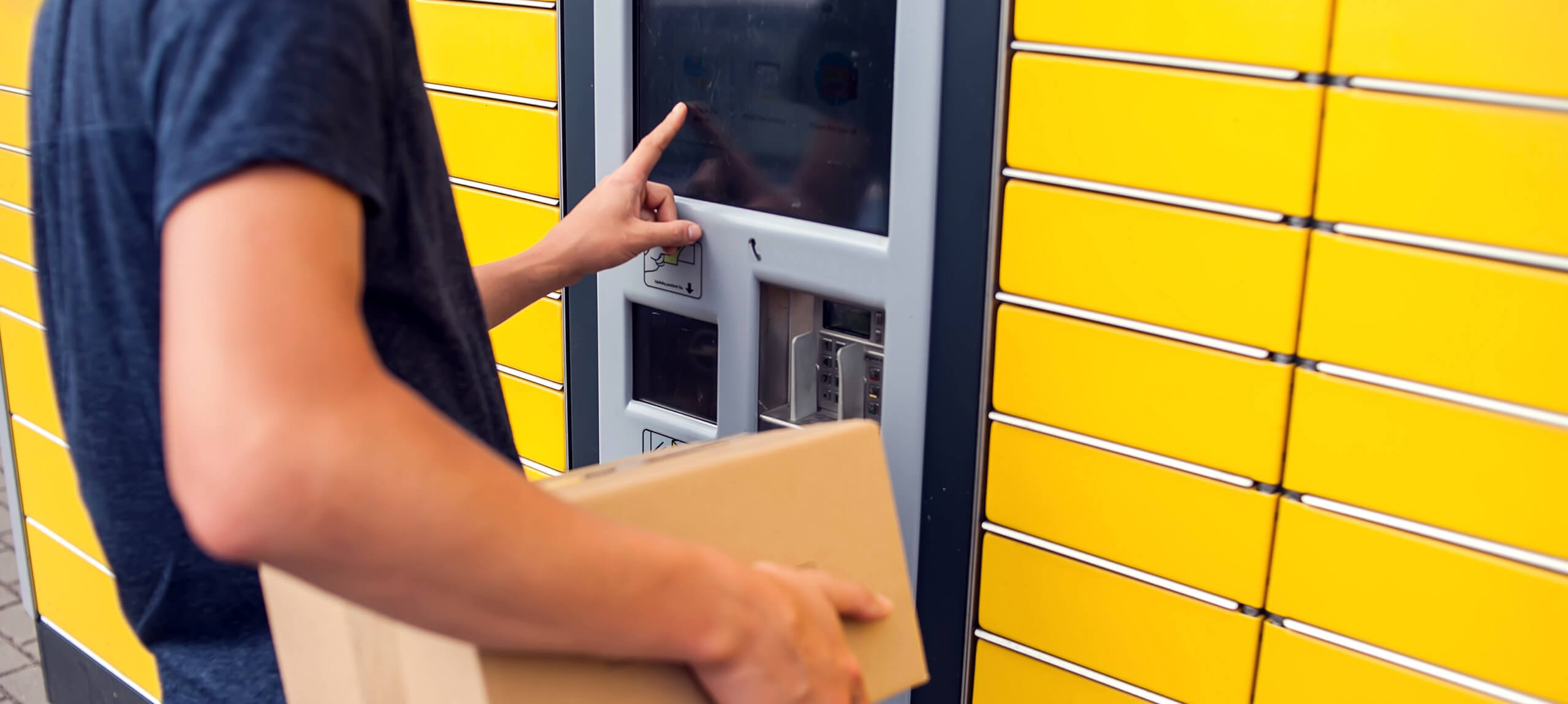
Smart Lockers in PrestaShop: Checkout, Delivery and Courier Integrations
Parcel lockers have become a practical delivery option for many online stores because they allow customers to choose a specific pickup point instead of having to wait for a courier at an address.
For a PrestaShop store, however, adding lockers is not simply a new line of text in checkout. A proper integration may need pickup-point selection on a map or list, storage of the locker ID in the order, API communication, voucher creation and tracking updates.
What changes in checkout?
When a customer chooses locker delivery, checkout needs to know which pickup point was selected and preserve that information through order completion.
Depending on the carrier, selection may happen through an embedded map, modal, postcode search or list of available points. The interface should work correctly on both desktop and mobile.
The locker must be stored with the order
It is not enough to show the pickup point to the customer. The locker ID, name or related information should also be available in the PrestaShop back office and, where required, transferred to the courier API or an ERP integration.
This avoids forcing staff to manually reconstruct what the customer selected when fulfilling the order.
Courier API and voucher generation
A complete courier integration can create a voucher or shipment record using order data. For locker delivery, this can also include the pickup-point identifier when the carrier API requires it.
The exact workflow differs by courier, so the module needs to follow the provider's real API and the store's actual operational process.
Tracking and order status
Where supported by the provider, tracking information can be stored or shown to the customer. Order-status changes can also be connected to specific stages of the shipment workflow.
Not every integration needs to automate everything. The useful solution is the one that reduces manual work without making the workflow harder to maintain.
Lockers and mobile UX
Pickup-point selection is often performed on a phone. Maps, pins, search fields and confirmation controls need to remain usable on a small screen and should not be obscured by the mobile keyboard or other overlays.
This is part of the overall responsive checkout experience rather than an isolated feature.
What happens when a locker is unavailable?
An integration should handle cases where a pickup point is no longer available, the carrier API does not respond or the customer changes shipping method before completing the order.
Clear fallback behaviour helps prevent orders from being stored with incomplete or stale pickup information.
Shipping prices and carrier rules
Locker delivery may have different pricing or restrictions from door-to-door delivery. PrestaShop carrier rules can be combined with custom logic where the business requires it.
Weight, dimensions, country, region, product or order value may all influence whether a delivery method should be available.
ERP and order synchronization
If orders are synchronized to an ERP, locker information also needs to be considered in the integration layer. Otherwise the data may be correct in PrestaShop but disappear when the order is transferred to the next system.
For these projects we treat the e-commerce store, courier module and ERP connector as one data flow rather than three unrelated systems.
Parcel lockers are not an SEO ranking factor
Offering locker delivery can improve usability for customers who prefer that option, but it is not a direct SEO signal that automatically improves rankings.
Organic growth requires a separate SEO strategy around site structure, content, crawlability and search intent.
When is a custom PrestaShop module useful?
If a well-maintained existing module correctly covers the provider API and the store workflow, it may be sufficient. When the project needs custom data storage, ERP synchronization, special checkout behaviour or specific business logic, custom development may be the better fit.
We develop custom PrestaShop modules and courier integrations so shipping becomes part of the business workflow instead of an isolated add-on.
Conclusion
Smart lockers can add a useful delivery option, but the quality of the experience depends on the technical integration: correct pickup-point selection, stored order data, courier API communication, voucher generation, tracking and order workflow.
If you want to add a locker or courier integration to an existing store, we can implement it as part of your PrestaShop development or as a dedicated custom module.