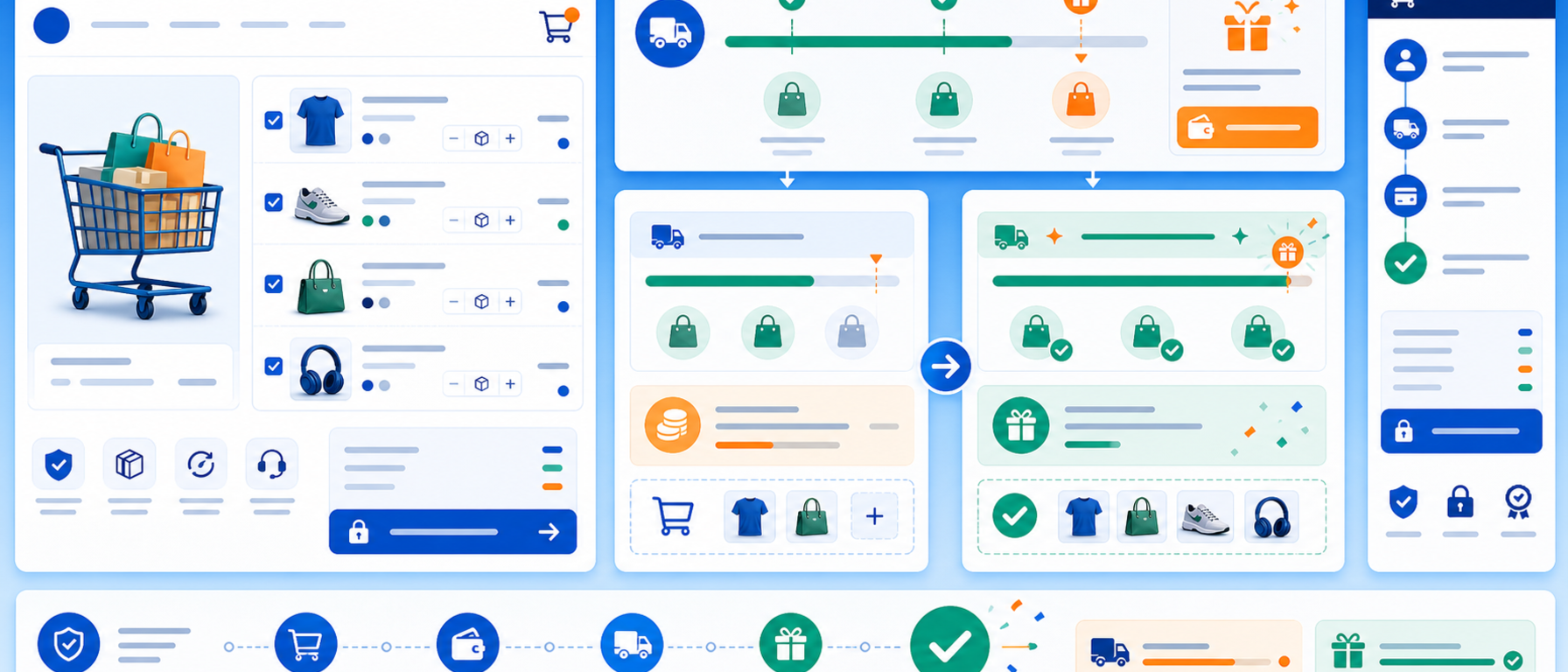
Displays the remaining amount customers need to spend to qualify for free shipping.
This module adds a clear message to the shopping cart and other store locations, informing customers about the exact amount remaining to benefit from free delivery.
Features
Display remaining amount in cart
Customizable message and style
Multi-currency support
Compatible with PrestaShop 8 and 9
Benefits
Encourages customers to add more items to their cart, increasing average order value and reducing cart abandonment rates.
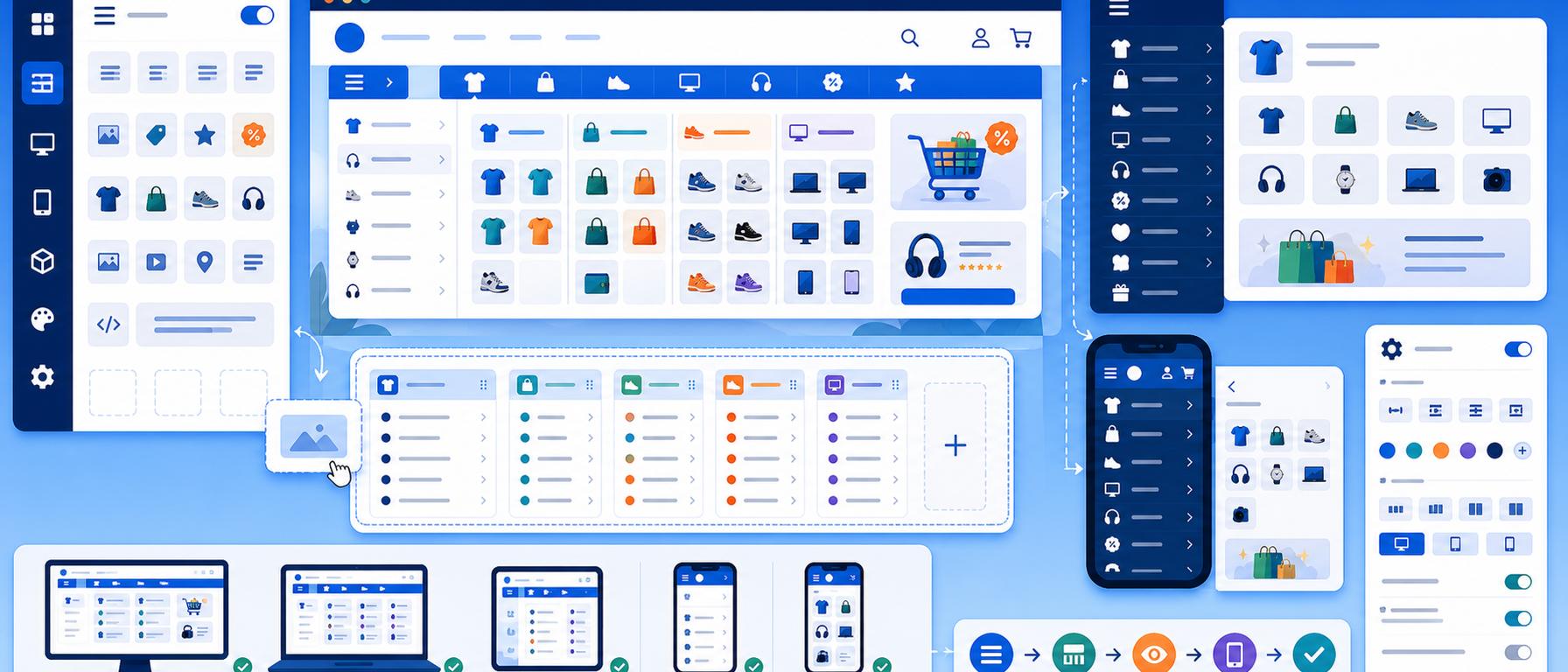
PSM Mega Menu is a professional navigation module for PrestaShop 9 that lets you build rich, multi-level menus without any coding knowledge. With its built-in drag-and-drop grid builder, you organize categories, custom links, and HTML blocks into a visually engaging and fully functional navigation system.
Key Features
Horizontal Mega Menu
The classic top-of-page horizontal navigation bar with multi-level support and a grid-based submenu builder. Place categories, custom links, images, and HTML content anywhere within the submenu columns — all from the back office, no code required.
Vertical Sidebar Menu
In addition to the horizontal bar, the module provides a vertical menu for the left column — ideal for stores with many product categories that need quick sidebar navigation.
Responsive Mobile Drawer
Automatic conversion to a mobile-friendly slide-out drawer for smartphones and tablets. The mobile menu can run independently or mirror the horizontal or vertical menu.
Drag and Drop Builder
Organize menu items with simple drag-and-drop in the administration panel. No technical knowledge or code changes required.
HTML Blocks in Submenus
Embed banners, promo boxes, images, or forms inside submenus — directly from the back office editor.
Icons and Images
Every menu item can carry a Material Icon or a custom image, making navigation visually richer and more informative for shoppers.
Multi-shop and Multi-language
Full support for multi-store setups and multiple languages out of the box, with no additional configuration needed.
Why Do You Need It?
Navigation is the single most important factor in guiding visitors through your online store. Studies show that 88% of users abandon a website if they cannot find what they are looking for quickly. With PSM Mega Menu you:
Increase time on site by making category exploration effortless and intuitive
Lower bounce rates with instant, structured access to categories and promotions
Improve SEO — search engines reward clear, well-structured navigation hierarchies
Boost sales by showcasing featured categories and deals directly in the menu
Why PrestaShop Merchants Choose It
PSM Mega Menu is purpose-built for PrestaShop 9 with a Symfony-based architecture, guaranteeing forward compatibility and high performance — not a generic solution adapted to the platform, but a module built from the ground up for the latest PrestaShop version.
Get in Touch
If you are interested in PSM Mega Menu or would like us to explore solutions for your online store, contact the HotWebDesign team. We are here to help you build the navigation your e-shop deserves.
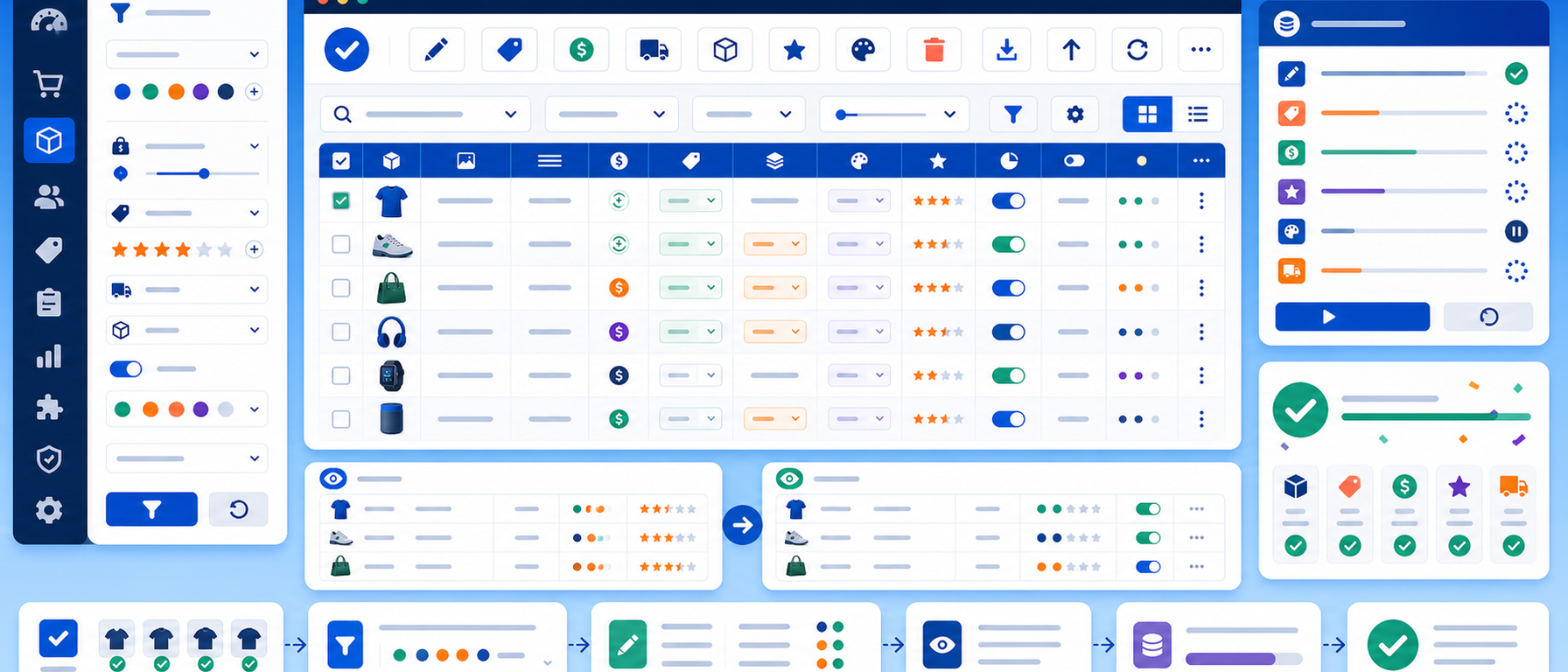
PSM Image Importer is a bulk image import module for PrestaShop 9 that lets you upload hundreds of product images at once via a ZIP file or a drag-and-drop interface. No more uploading images one by one — the module automatically matches each image to the correct product based on its filename reference or SKU.
Key Features
ZIP File Import
Upload a single ZIP archive containing hundreds of images. The module automatically extracts and processes every file, saving hours of manual work.
Drag-and-Drop Interface
An intuitive drag-and-drop interface lets you send images directly from your computer without complex configuration steps.
Automatic Product Matching
Each image is matched to the correct product based on the filename, which can contain the product reference or another configurable identifier field. Photo numbering is also supported (e.g. REF001_1.jpg, REF001_2.jpg).
Preserve Mode
Choose whether new images will replace existing ones or be added alongside them, ensuring no previously uploaded photos are lost.
Cron Job for Automated Import
Set up automated imports via cron job from a designated server folder — ideal for stores that receive new images from suppliers on a regular schedule.
Batch Processing
Configure the batch size to control how many images the server processes per run, preventing timeouts during large imports.
Detailed Result Log
Every import produces a detailed report with counts of successful, failed, and skipped images, so you always know exactly what happened.
Why Do You Need It?
Managing product images in bulk is one of the most time-consuming tasks in an online store. If your shop has hundreds or thousands of products, uploading images one by one through the PrestaShop back office is simply not scalable. With PSM Image Importer:
Save hours of work by bulk-uploading images via a single ZIP file
Eliminate matching errors — the system maps images to products automatically
Stay in control with detailed import result logs
Fully automate the image pipeline from suppliers via cron job
Who Is It For?
PSM Image Importer is ideal for importers, wholesalers, and large-catalogue stores that regularly receive new product images from suppliers and need a reliable, automated import solution.
Get in Touch
If you are interested in PSM Image Importer or would like us to explore solutions for your online store, contact the HotWebDesign team. We are here to help you automate your e-shop's image management workflow.
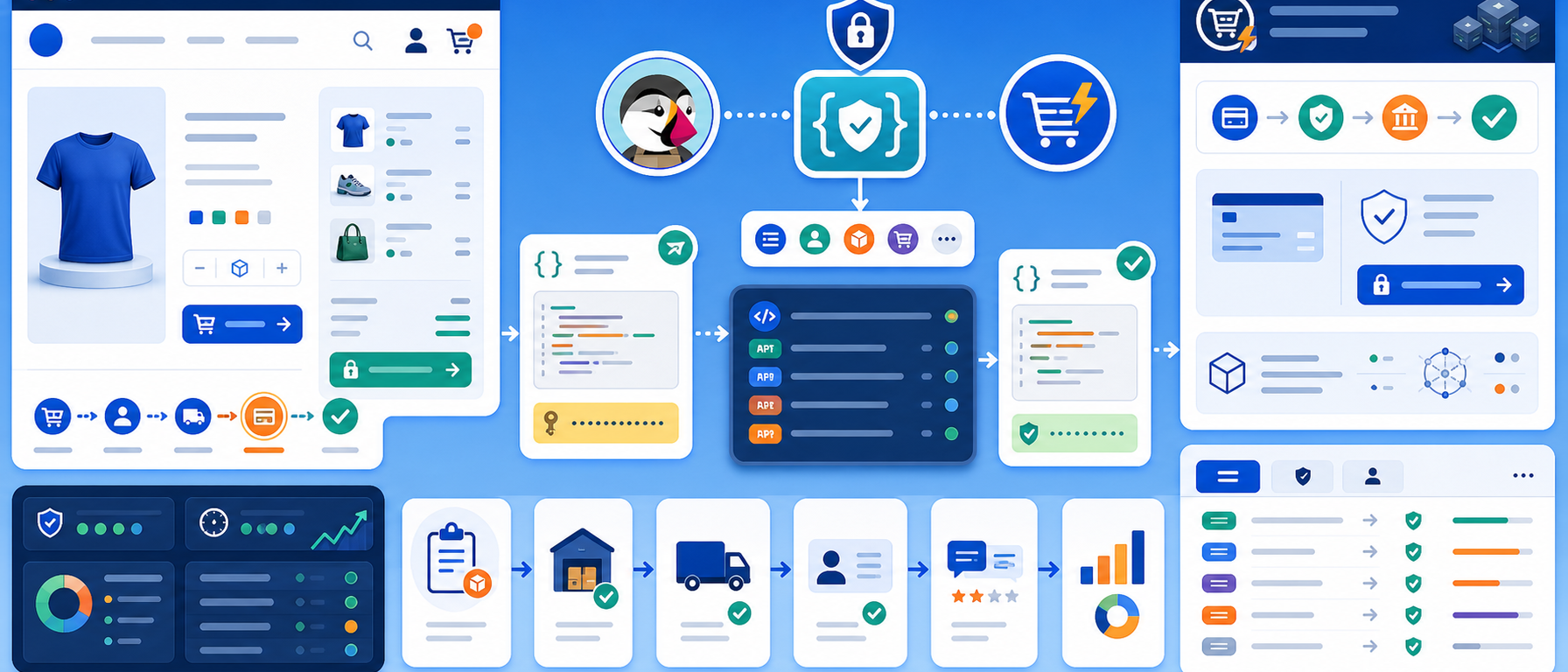
UCP Server Bridge is an integration module for PrestaShop 9 that implements the Universal Commerce Protocol (UCP) — a REST API standard that exposes PrestaShop's checkout and order management endpoints to external platforms and applications.
Key Features
REST API Endpoints
Exposes standardised REST endpoints for checkout and orders, allowing external platforms, mobile applications, and marketplaces to interact directly with your PrestaShop store.
API Secret Authentication
Every request is verified via an API secret key, ensuring that only authorised platforms can access your store's data.
Webhooks
Full webhook support for real-time notifications to external systems whenever an order status changes or a payment is completed.
Payment Integration
Supports payment flows via UCP, with mapping between external payment methods and PrestaShop's native payment options.
Session Management
Secure session handling for checkout sessions initiated by external applications, without interrupting the user experience.
Logging and Monitoring
Built-in logging of all requests and responses for easy monitoring, debugging, and security auditing.
Why Do You Need It?
In today's digital marketplace, e-shops cannot operate in isolation. They need to connect with mobile apps, marketplaces, ERP systems, and external sales platforms. UCP Server Bridge gives your PrestaShop store:
A standardised REST API compatible with UCP platforms
Secure connections to external systems without custom code
Real-time order status updates via webhooks
Centralised checkout management across multiple sales channels
Who Is It For?
UCP Server Bridge is designed for businesses using UCP-compatible platforms, developing mobile applications for their store, or looking to integrate PrestaShop with ERP or omnichannel solutions.
Get in Touch
If you are interested in UCP Server Bridge or would like us to explore integration solutions for your online store, contact the HotWebDesign team. We are here to help.
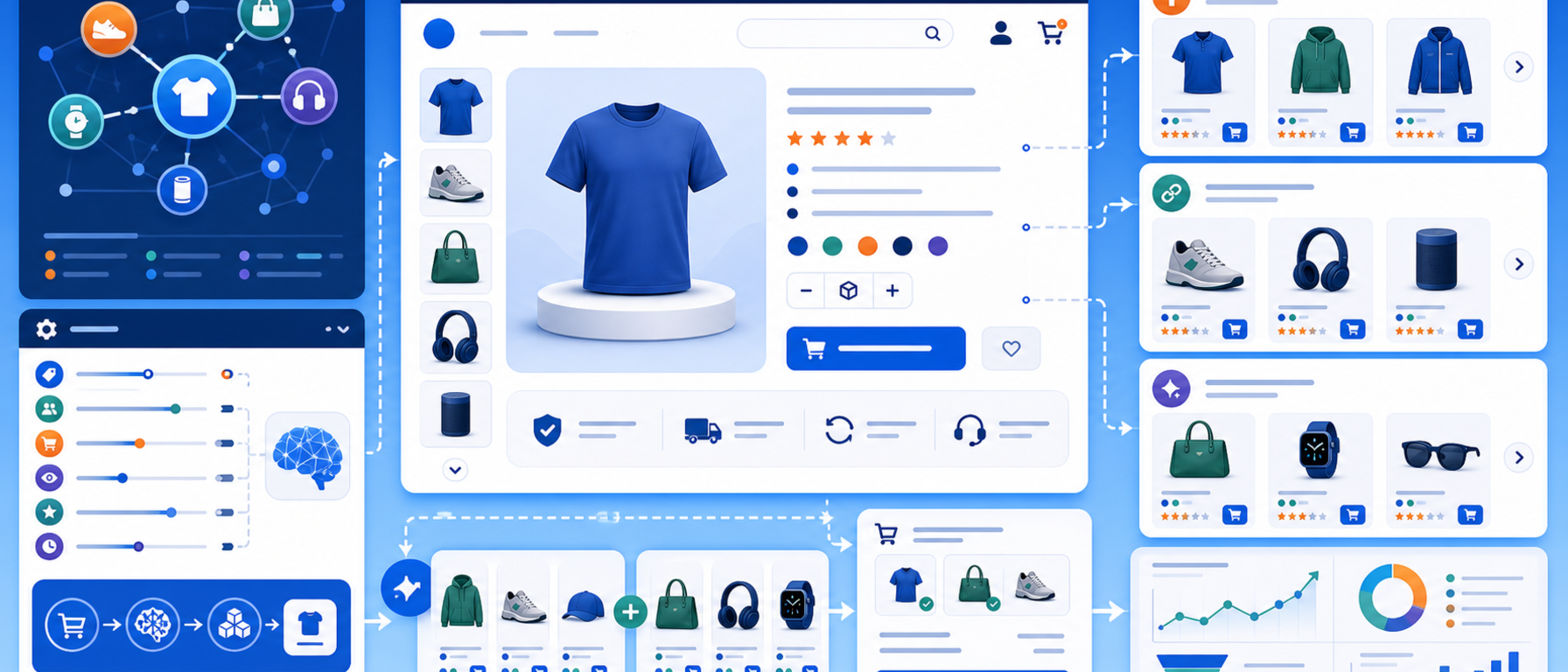
Related Products is an advanced module for PrestaShop 9 that automatically creates related product, upsell, and cross-sell blocks using flexible rules, product conditions, feature comparison, and multiple front-end placement options.
Key Features
Automatic Related Product Generation
The module analyses each product's attributes and automatically generates related suggestions based on rules you define — category, brand, price, features, or any combination thereof.
Upsell Blocks
Suggest higher-value alternative products (upsell) to customers to increase the value of each transaction. Ideal for displaying premium versions or upgrades.
Cross-sell Blocks
Display complementary products (cross-sell) that pair well with what the customer is viewing or purchasing, increasing the average basket size.
Flexible Rules and Conditions
Define detailed rules controlling which products appear as related — based on category, brand, price range, features, tags, or other criteria.
Feature Comparison
Use feature comparison logic to find and suggest products with similar attributes — precise, intelligent matching without manual configuration.
Multiple Frontend Placements
Place related product blocks in multiple locations across your store: product page, shopping cart, checkout, and homepage.
Why Do You Need It?
Related products and upsell/cross-sell strategies are among the most effective revenue-boosting techniques in e-commerce. Research shows that 35% of Amazon's revenue comes from product recommendation features. With the Related Products module:
Increase average order value (AOV) with targeted, relevant suggestions
Improve customer experience by showing genuinely useful related items
Reduce bounce rate by keeping visitors engaged within your store
Automate the entire process without manually assigning related products
Get in Touch
If you are interested in the Related Products module or would like us to explore solutions for your online store, contact the HotWebDesign team. We are here to help you grow your e-shop's sales.